Something important happens
A customer request, lead, invoice exception, field update, or owner approval enters the business.


How it works
Varon starts with one place important work gets missed, then builds the rule, owner, approval, action, and proof path around it.
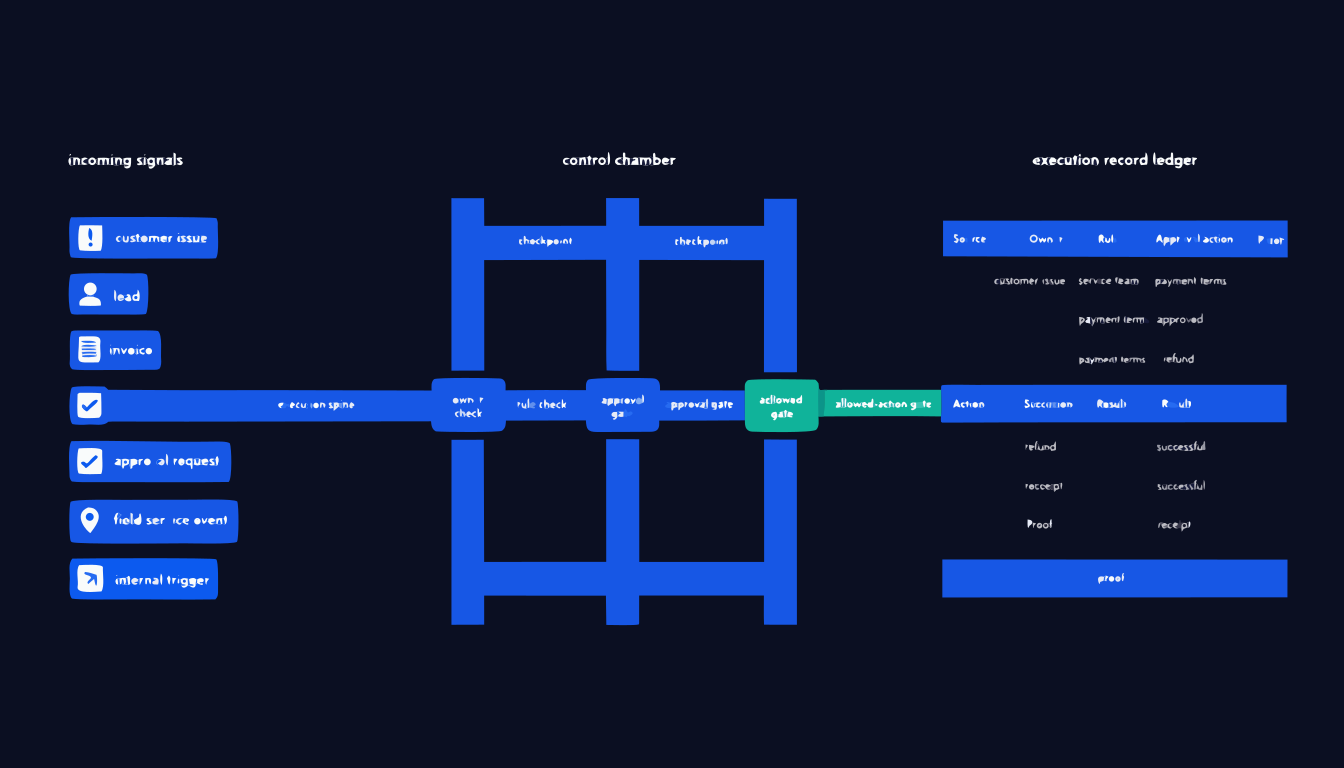
The sequence is intentionally plain: catch the thing, check the rule, assign ownership, pause for approval where needed, move the allowed step, and keep the record.
A customer request, lead, invoice exception, field update, or owner approval enters the business.
Varon reads the signal from the connected source before it disappears into a queue.
The operating rule decides whether the path can move, needs context, or must stop.
The accountable person is assigned with the information needed to act.
Risky work pauses for review before any customer, money, schedule, or record change.
Only the approved next step runs in the right tool or operator path.
The signal, owner, rule, approval, action, and result are written down.
Varon tracks what became completed, blocked, late, or improved.
The complete work path
The 5-step operating loop on the homepage shows what Varon does. Deployment starts smaller: four connected phases that take one stuck loop from scope to proof.
Connected tools
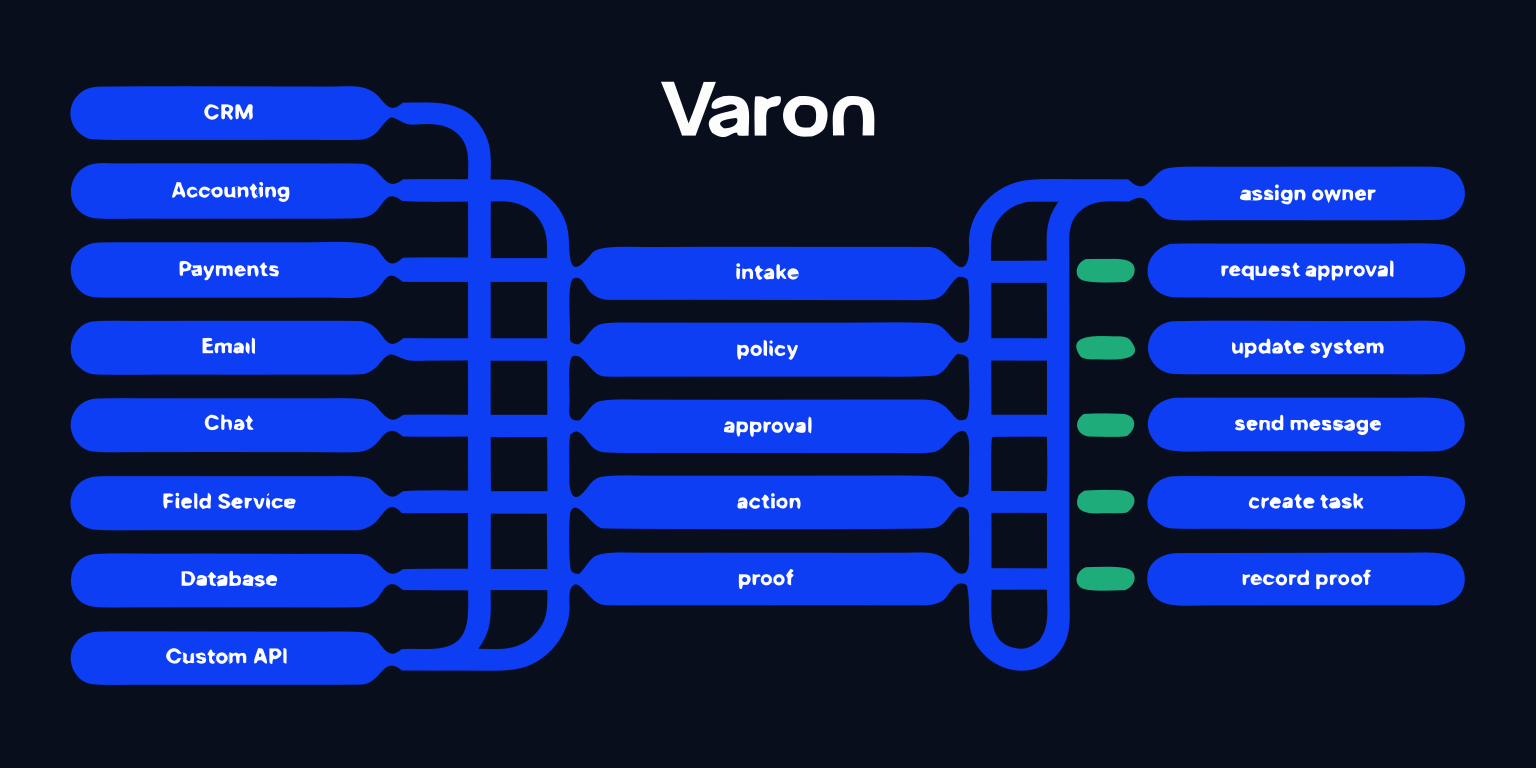
We map the work loop first, then connect the systems needed to control that loop.
| Source System | Signal Varon Reads | Action Varon Controls | Proof Kept |
|---|---|---|---|
| HubSpot | Lead status changes, form fills, deal updates | Create owner tasks, route follow-up, prepare approved replies | Lead follow-up record and handoff status |
| Salesforce | Opportunity stage changes, account alerts, owner gaps | Assign next step, escalate stalled work, update controlled fields | Stage movement and approval trail |
| Gmail | Customer requests, escalation language, unanswered threads | Draft responses, route owner review, create follow-up tasks | Thread link, owner, approval, and response status |
| QuickBooks | Invoice status, payment exceptions, refund requests | Route approvals, prepare follow-up, mark proof of action | Invoice action record and approval receipt |
| Stripe | Payment failures, disputes, refund events | Escalate exceptions, request approval, trigger allowed follow-up | Payment exception record and outcome |
| Slack/Teams | Internal requests, handoff messages, approval replies | Notify owners, collect approval, publish status updates | Channel proof and decision timestamp |
| ServiceTitan/Jobber | Service requests, dispatch notes, job changes | Route dispatch review, create owner action, update job status | Service loop receipt and completion status |
| Custom API | Webhook events, exports, internal tool updates | Run scoped actions, write back approved status, call operator path | API event, action result, and proof payload |
Integrations are scoped during implementation. Some tools support direct API actions. Others support event intake, email intake, approved drafts, task creation, exports, browser-based paths, or operator-assisted execution. We only call something a native integration after we confirm it exists and can support the loop safely.
What the loop leaves behind
The proof is the product of the loop: what happened, who owned it, which rule applied, who approved it, what changed, and whether the outcome improved.
EXECUTION RECEIPT
Emergency service request from Acme Mechanical
After-hours customer email says a production line is down and asks for immediate dispatch.
Sarah Chen, service operations
Varon assigns the accountable owner and keeps the escalation visible.
High-impact outage requires manager approval
Customer impact, contract tier, and after-hours policy are checked before action.
Approved by Marcus Lee at 8:42 PM
The approval gate records who reviewed the path and what was allowed.
Dispatch task created and customer update drafted
The allowed next step runs with limited scope and a linked owner task.
Technician assigned; response window met
The loop moves from urgent signal to handled work instead of an inbox thread.
Receipt kept with source, rule, approval, and timestamp
The record can be reviewed later without reconstructing the handoff.
Implementation review
Show us one handoff that keeps getting missed. We will map the signal, rule, owner, approval boundary, action path, and measurement target.